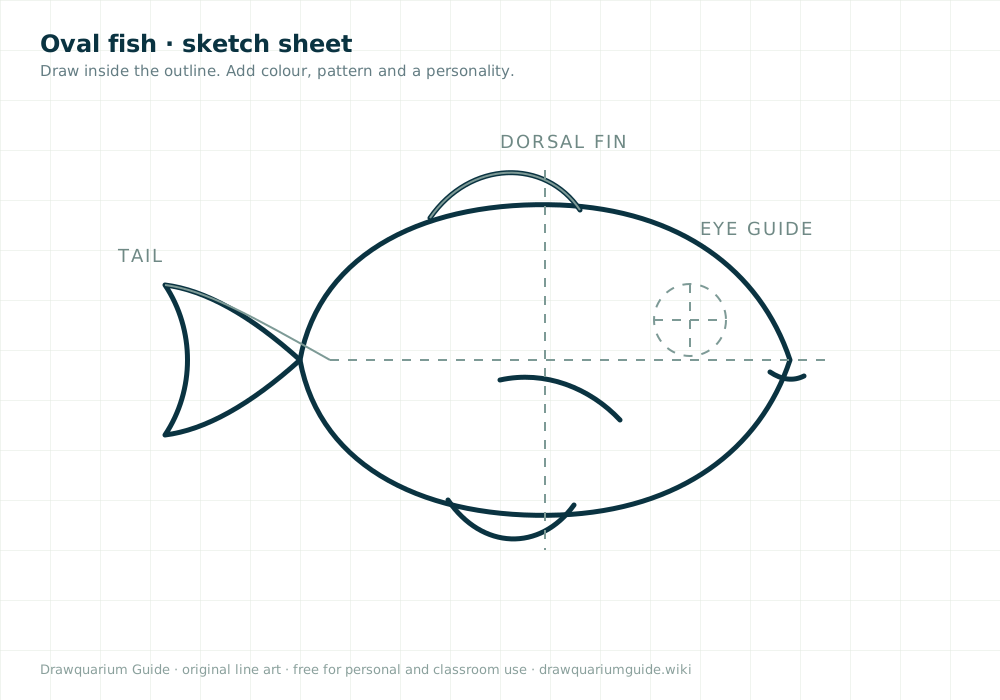
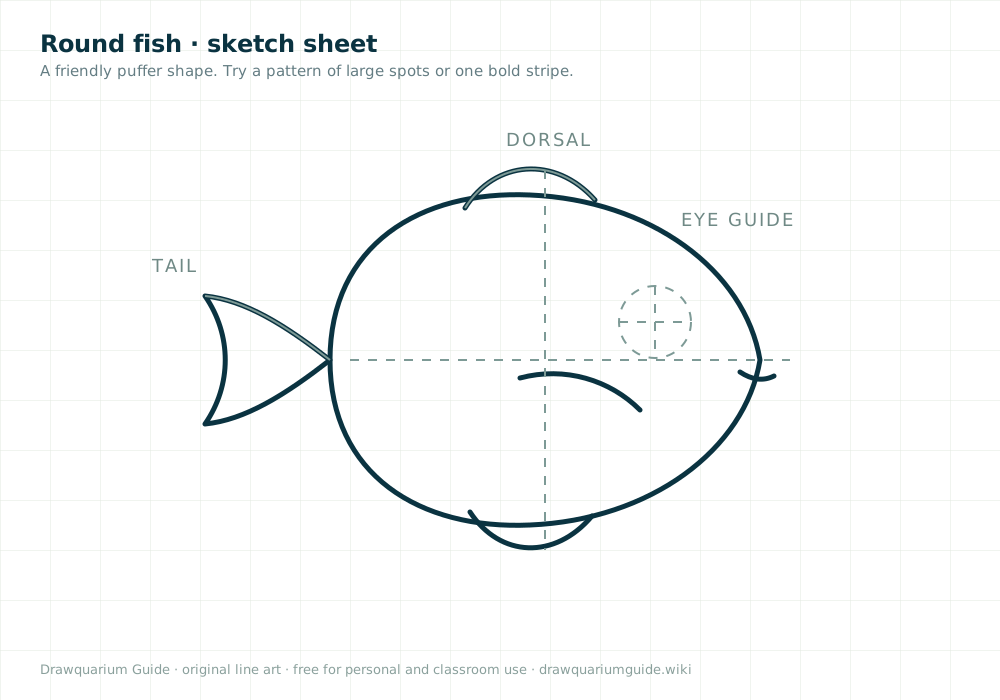
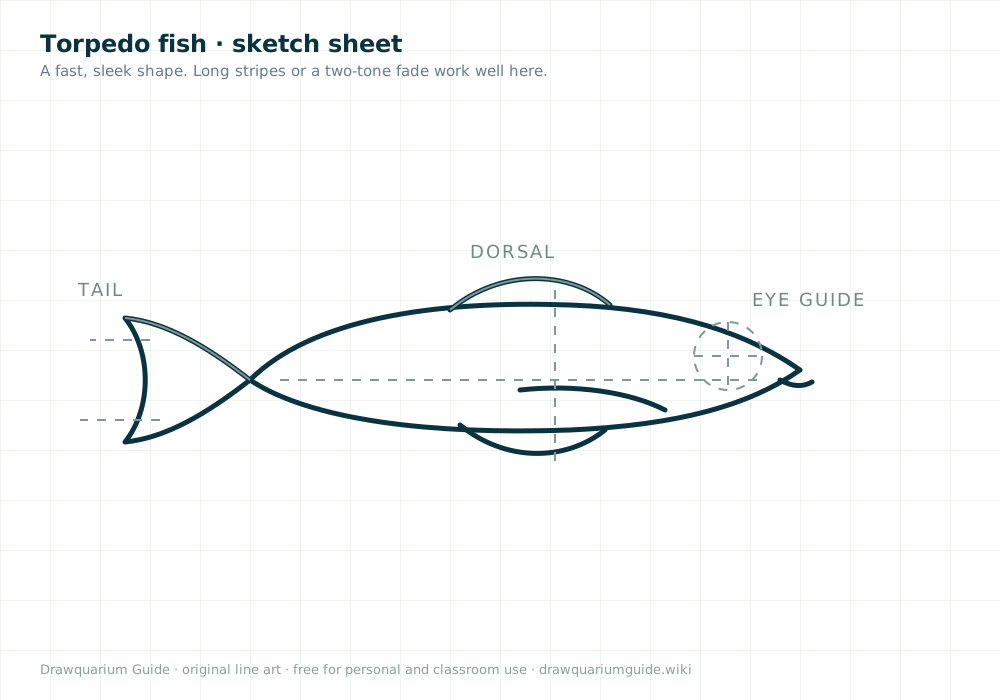
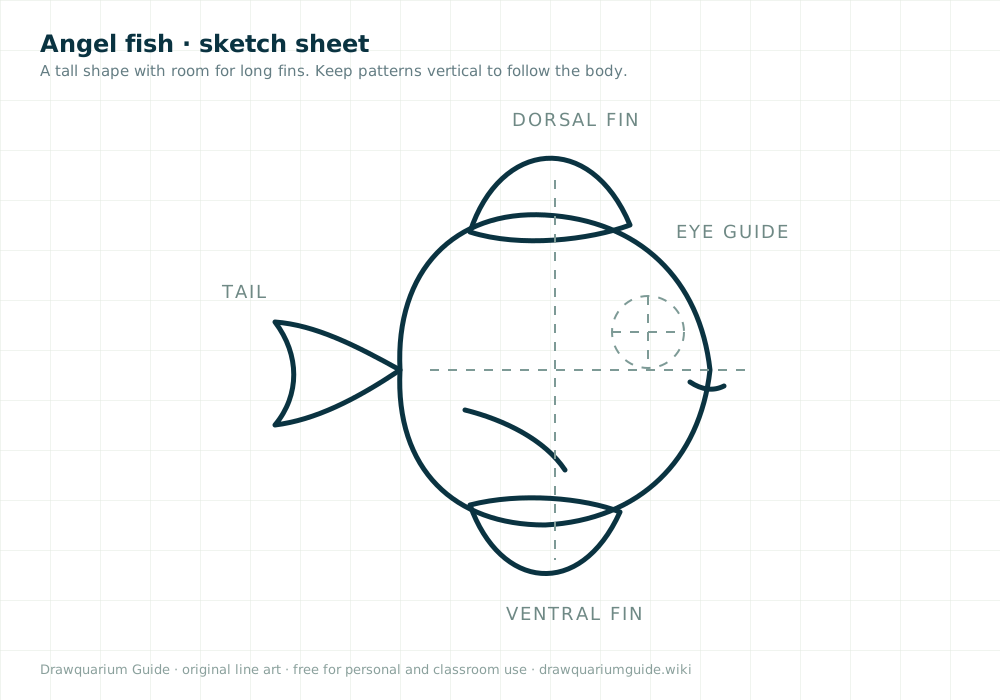
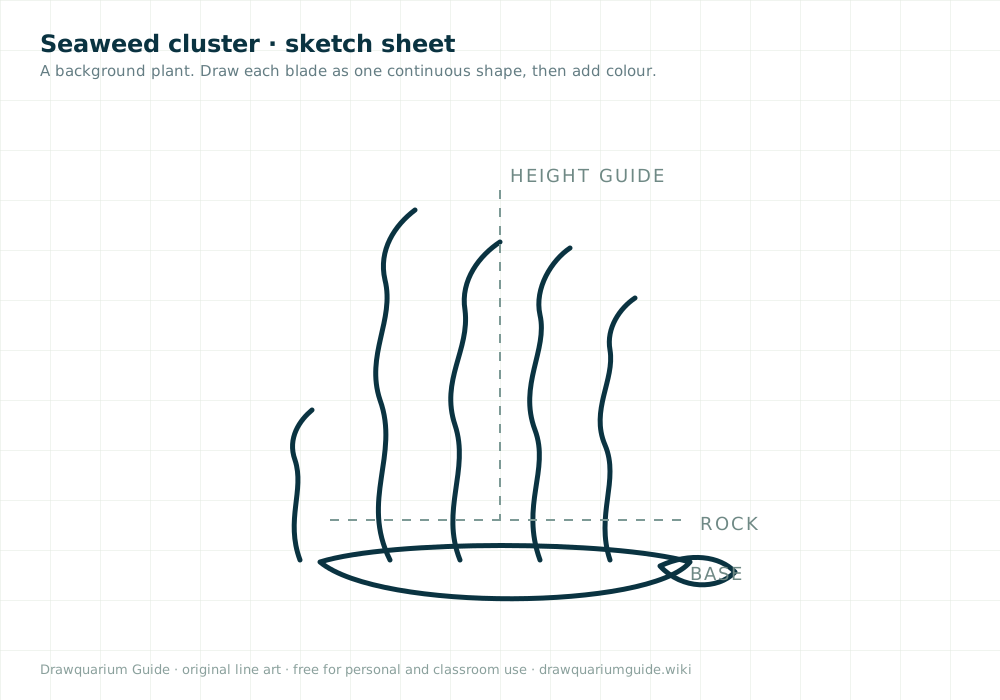
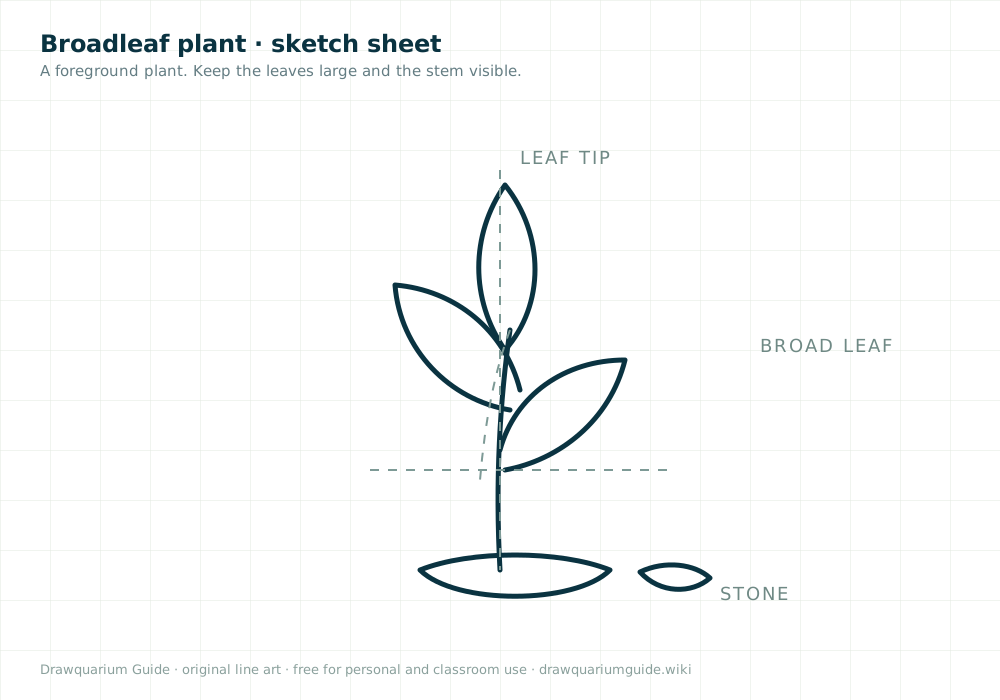
Six original fish and plant outlines with a light grid. Print one, draw on paper, photograph it, and import
the PNG into Drawquarium. These are our drawings — not official game templates or ripped assets.
The game accepts PNG imports. The hard part is not the game; it is turning a physical drawing into a clean
image. This workflow gives the best chance of a usable edge.
01
Print on plain paper
Use the sheet at 100% scale. A thicker paper takes marker without bleeding through; ordinary printer paper is fine for pencils and crayons.
02
Colour boldly
Strong outlines and flat colour survive the import better than faint pencil and heavy shading. Leave the area outside the outline blank.
03
Photograph flat in daylight
Put the paper on a table near a window. Stand directly above it so the shape stays rectangular. Avoid your own shadow.
04
Crop, then save as PNG
Crop close to the drawing. If your editor can remove the white background, do it; a transparent PNG composites more cleanly.
05
Import and check the scale
Bring it into Drawquarium and look at it at tank distance. Redraw thin details thicker if they disappear.
Use and licence
Free for personal and classroom use
You can print, copy and colour these sheets for yourself, your family or a class. Do not resell them or
republish them as your own template pack. They are original line art by Drawquarium Guide and are not
affiliated with the game’s developer.
Drawquarium is a Windows PC game by byKaleb / rokaplay. This tool is an independent fan resource. Import support
is confirmed by the official store page; the exact import limits have not been published.