Family play
Drawquarium for kids and families: paper drawings, sharing and safety
Drawquarium is unusually well suited to children: the point is to make something, not to win. But a shared PC, a Steam account and an import feature all need a little planning.
Rating and content
The Steam record we checked has no content descriptors and no age gate. The store tags include “Family Friendly” and “Cute”. The game is single-player, with no chat, no online sharing and no competitive mode listed.
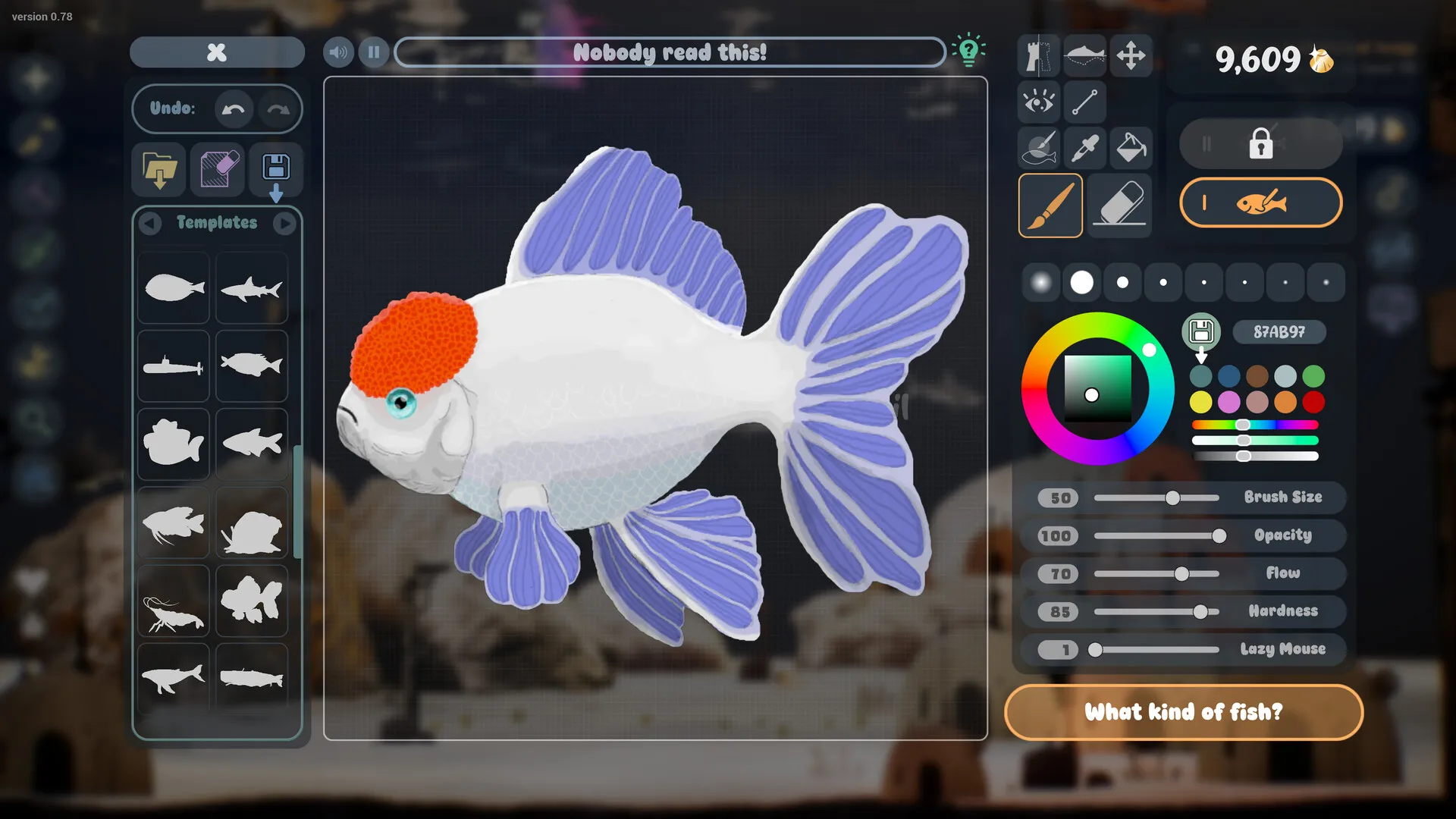
That does not make it a formal educational product. It is a sandbox: players can draw anything, including skeletons, sea mines and buildings, as the official screenshots show. The content is whatever the player makes of it. For younger children, that means the same supervision you would apply to any drawing app.
Why it suits children
The loop is legible: draw a fish, put it in the tank, feed it, watch it grow. There is no fail state described in the official material, no timer pressure and no reading-heavy tutorial. The drawing tools include templates and stamps, so a child who cannot draw a realistic fish can still finish something recognisable.
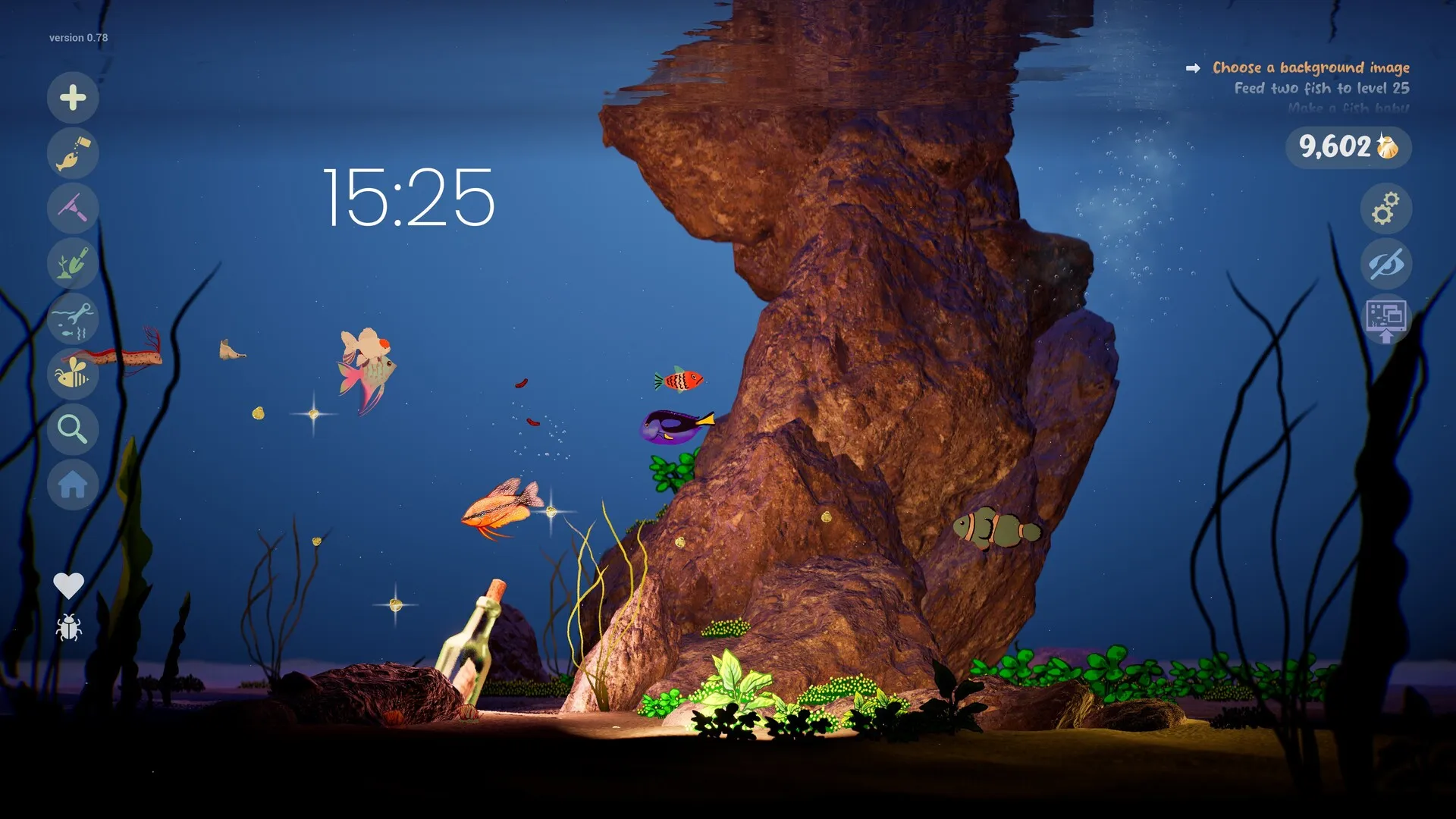
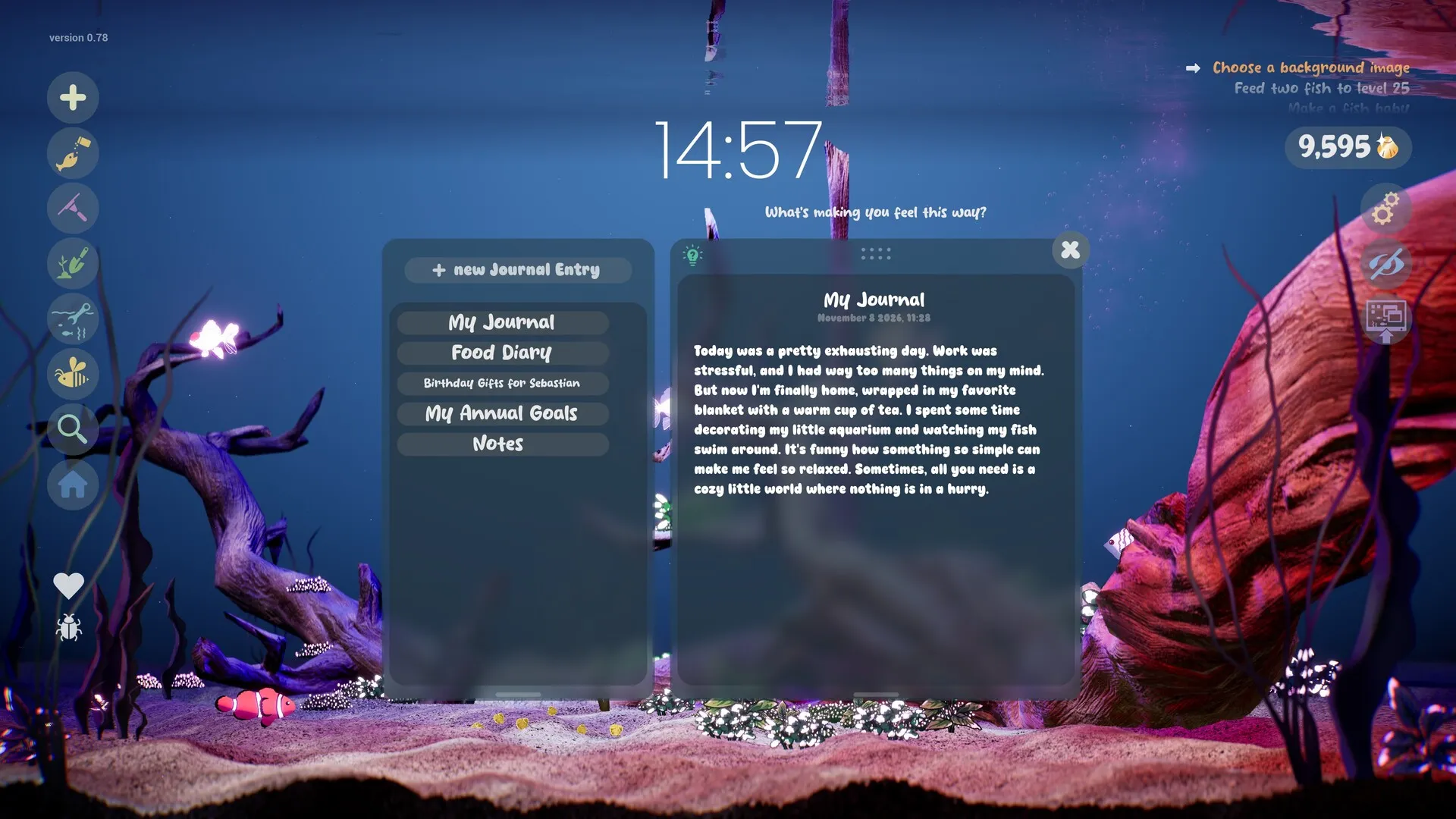
The care layer adds a gentle routine. Feeding, cleaning and collecting Golden Scales are simple chores with a visible result. The relationship system — friendships, arguments, pair bonds, babies — gives older children a story to follow. The journal and checklist are optional; a younger child can ignore them entirely.
Paper drawings to fish
The store explicitly mentions importing a child’s drawing. The practical workflow:
- Draw on plain white paper with strong outlines and flat colour. Avoid faint pencil and heavy shading.
- Photograph it flat in even daylight. Stand over the paper; do not let your shadow fall across it.
- Crop tight to the drawing. A clean, straight-on image is more important than a high-resolution one.
- Save as PNG. If you can remove the white paper background, do it; a transparent background usually composites better.
- Import it in the game and check the edges at tank scale. Redraw thin lines thicker if they disappear.
This is a genuinely good family activity: the drawing happens away from the screen, and the screen is the reward. It also gives the child a reason to draw with intention rather than scribble and discard.
Sharing a PC and Family Sharing
Steam lists Family Sharing as supported. That allows eligible accounts in a Steam Family to access the game under Valve’s rules. It is not the same as two people playing in the same tank simultaneously; the game is single-player only.
On a shared PC, the practical questions are:
- Whose Steam account owns the game? Saves stay on this PC and cloud sync is not listed, so the tank may not follow a different login.
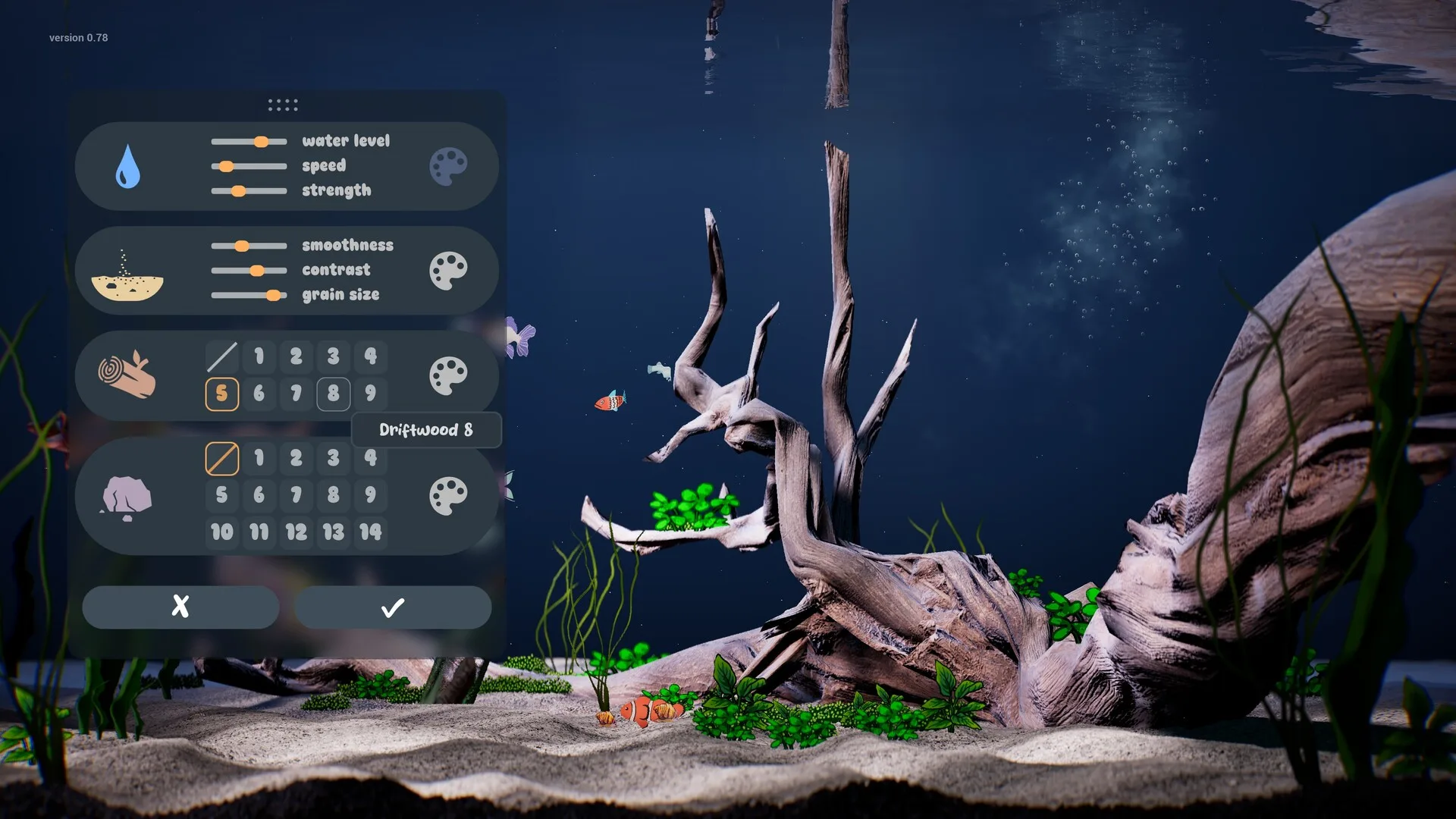
- Can each child have their own aquarium? The game supports multiple aquariums, but separate player profiles are not confirmed.
- Who controls imports? Any PNG can be imported; a parent should be the one choosing files from the family computer.
Purchases and accounts
The full game is a paid Steam title, and the price is not announced. The demo is free. There is no in-game real-money currency listed for Golden Scales, and no account system beyond Steam.
If a child will play on a family PC, use Steam’s parental controls and purchase approvals. The risk is not the game’s store; it is the Steam client’s ability to buy other games. Wishlisting Drawquarium is free and is the best way to get a release notification without a pre-order.
Safety and screen time
There is no chat, no user-generated content sharing and no online gallery in the official feature list. That removes the usual online-safety concerns. The remaining ones are ordinary:
- Imports: a PNG can contain anything. Choose files deliberately.
- Screen time: Wallpaper Mode is designed to stay on. Set a timer rather than leaving it running all day.
- Purchases: secure the Steam account and use parental controls.
- Journal privacy: the journal is a local game feature, not a private vault. Do not store personal information in it.
A 30-minute family session
- 10 minutes offline: print a sketch sheet, draw and colour a fish on paper.
- 5 minutes: photograph, crop and import the drawing.
- 5 minutes: place the fish, add one plant and feed it.
- 5 minutes: check the profile, name the fish and write one journal line.
- 5 minutes: leave the tank on the desktop while you tidy up. The fish keeps swimming.
That structure gives the child a creation to keep and a reason to return, without turning the game into a checklist of chores.
Unverified family details
| Question | Status |
|---|---|
| Separate profiles for siblings | Not confirmed |
| Cloud saves between PCs | Not confirmed |
| A formal age rating in every region | Not confirmed |
| Whether fish can die | Not confirmed |
| Maximum number of aquariums | Not confirmed |
None of these are reasons to avoid the game. They are reasons to test on release day before promising a child that their fish will follow them to another computer.
Sources for this page
Accessed November 1, 2026Listed claims on this page were checked against the records below. If a detail is not in these records, it is labelled as unconfirmed rather than presented as fact.
- 01 Drawquarium on Steam — Valve / byKaleb / rokaplay
Store description, release date, languages, features, system requirements, tags and platform list.
- 02 Steam app details API for app 4045480 — Valve
Machine-readable copy of the store record, including platform flags (Windows only), screenshots and supported languages.
- 03 Drawquarium Demo on Steam — Valve / byKaleb / rokaplay
Demo listing, free status, demo-specific feature bullets, system requirements.
- 04 Drawquarium Steam Community hub — Steam Community
Player discussions. Used only to identify open questions, never as proof of a mechanic.
Read how we classify evidence in our editorial policy.
Quick status